Your Router Is Not a Relay: The Hidden Cost of Free Proxy Apps That Sell Your Bandwidth
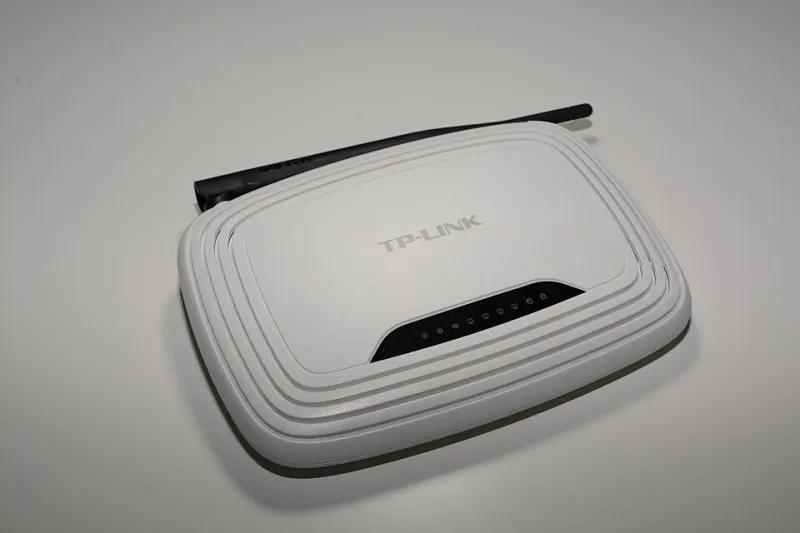
Photo: Hayden Schiff, CC BY 4.0, via Wikimedia Commons
A free proxy app can look like a bargain. It promises a different IP address, access to region-locked content, or a layer of separation between a user and a website. The download is quick, the interface is simple, and the price is zero. By late 2026, that business model deserves closer scrutiny. In many cases, the real product is not the proxy service. It is the user's device and the residential IP address attached to it.
Residential proxy networks sell access to ordinary internet connections. Customers of those networks route scraping, ad verification, price monitoring, and sometimes more questionable traffic through the devices of people who installed a free app. The device owner may see nothing unusual. The app may sit in the background, accept connections from a broker, and forward requests through the home network. From the outside, the traffic appears to come from the owner's IP address.
How a free app becomes a residential proxy
The mechanism is usually an SDK embedded in the app or a background service installed alongside it. The app's terms of service may mention bandwidth sharing, peer-to-peer networking, or residential IP participation. The consent may be buried in a long document, preselected in a settings menu, or phrased as a way to keep the service free. Once enabled, the device opens outbound connections to a coordination server. That server assigns it small tasks, such as fetching a webpage or completing a request on behalf of a paying customer.
The device does not need to be rooted or jailbroken. It does not need to run a visible proxy server. It only needs an internet connection and the app's permission to use it in the background. A phone, a streaming stick, a smart TV, or a home router can all become part of the pool. The owner may notice slower speeds, extra data usage, or a warm battery, but often there are no obvious signs at all.
What the outside world sees
When a stranger's request exits through a home connection, the destination website logs the home IP address. If that request is abusive, fraudulent, or illegal, the resulting complaint may go to the ISP that owns the address. The ISP may then notify the account holder. The account holder may have no idea that a free app turned their router into a relay.
This is the core risk. The device owner is not the person who initiated the traffic, but the public record points at their address. A letter from an ISP, a fraud alert, or a legal notice can be difficult to dispute when the traffic originated from the home network. Even if the owner can eventually prove that a third-party app was responsible, the burden and the reputational damage are real.
The privacy cost is broader than legal exposure. A residential proxy network can observe metadata about the requests it routes: destinations, timing, volume, and sometimes the protocols used. The device owner's own traffic may be mixed with the traffic of strangers. The IP address may develop a poor reputation, which can lead to more CAPTCHAs, blocked access, or difficulty signing into ordinary services.
Telltale signs of unwanted exit-node participation
- Unexplained upload activity, especially when the device is idle. Most home users upload far less than they download, so sustained uploads are worth investigating.
- A sudden increase in data usage on a phone, streaming device, or router, particularly at night or while no one is using the device.
- Slower internet speeds, higher latency, or a router that runs warmer than usual.
- Security alerts from the ISP or a bank that reference traffic the owner does not recognize.
- App permissions that allow background data, network access, or device administration without a clear reason.
- Terms of service that mention bandwidth sharing, residential proxies, peer networks, or third-party SDKs.
- A router administration page that shows many outbound connections to unfamiliar addresses, or a device that keeps reconnecting to a coordination server.
How to shut it off
Start by identifying the app. Look at the device's installed applications, especially free VPNs, proxy tools, cleaner apps, reward apps, and streaming utilities. Check the app's settings for a bandwidth-sharing or peer-to-peer option and turn it off. If the option is not available, uninstall the app. Revoke any device administration permissions it requested.
On a router, review the connected devices and the firmware. Some routers include built-in proxy or remote-access features that may have been enabled by a third party. Change the administrator password, disable remote administration, and update the firmware. If the router was supplied by an ISP, ask the ISP to check for unwanted proxy configurations.
After removing the app, reboot the device and monitor network activity for a few days. Check the ISP account for usage anomalies. If a legal notice or fraud alert arrives, respond promptly and keep records of the app removal. A credit freeze or fraud alert may be prudent if the device was used for financial traffic.
The better long-term answer is to avoid free proxy apps that do not clearly explain their business model. A reputable paid service has a straightforward revenue source: the subscription. A free service that promises unlimited bandwidth and global access has to pay for servers somehow. Sometimes the user's own connection is the payment.